Cek Kematangan Buah dengan Phython
Berikut adalah penjelasan step-by-step dari skrip Python yang kamu berikan...
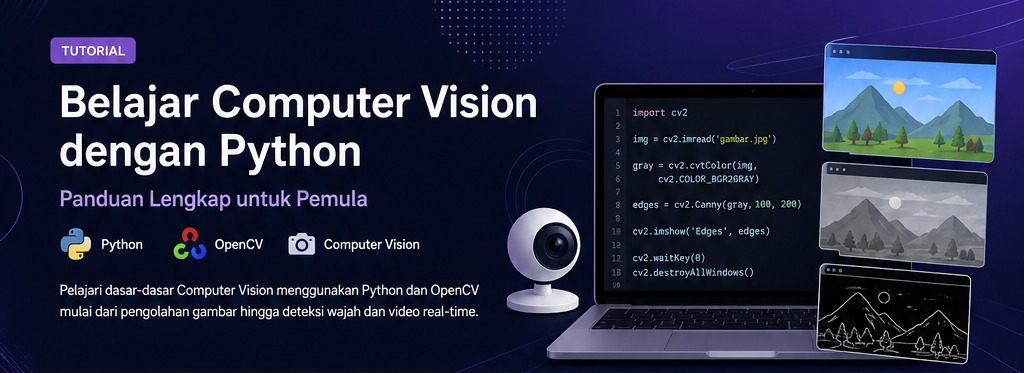
Apa itu Video Frame
Video pada dasarnya adalah kumpulan gambar (frame) yang ditampilkan secara berurutan dengan kecepatan tertentu (FPS).
Perbedaan Image vs Video Processing
Aplikasi Real-Time AI
Digunakan dalam:
Sistem Monitoring
Digunakan pada CCTV dan sistem keamanan modern.
OpenCV
Library utama untuk computer vision real-time.
MoviePy
Digunakan untuk editing video (opsional).
Struktur Video Capture
OpenCV menggunakan VideoCapture() untuk mengakses webcam.
Contoh Kode Webcam
import cv2

# akses webcam (0 = default camera)
cap = cv2.VideoCapture(0)

while True:
    ret, frame = cap.read()

    if not ret:
        break

    cv2.imshow('Webcam', frame)

    # tekan q untuk keluar
    if cv2.waitKey(1) & 0xFF == ord('q'):
        break

cap.release()
cv2.destroyAllWindows()Video File Processing
Selain webcam, Python juga bisa membaca file video seperti MP4.
Contoh Implementasi
import cv2

cap = cv2.VideoCapture('video.mp4')

while cap.isOpened():
    ret, frame = cap.read()

    if not ret:
        break

    cv2.imshow('Video', frame)

    if cv2.waitKey(25) & 0xFF == ord('q'):
        break

cap.release()
cv2.destroyAllWindows()Loop Frame Video
Setiap frame diproses dalam loop menggunakan while.
cv2.imshow()
Fungsi ini digunakan untuk menampilkan frame secara real-time.
VideoWriter OpenCV
Digunakan untuk menyimpan hasil processing video.
import cv2

cap = cv2.VideoCapture(0)

fourcc = cv2.VideoWriter_fourcc(*'XVID')
out = cv2.VideoWriter('output.avi', fourcc, 20.0, (640,480))

while True:
    ret, frame = cap.read()

    if not ret:
        break

    out.write(frame)
    cv2.imshow('Recording', frame)

    if cv2.waitKey(1) & 0xFF == ord('q'):
        break

cap.release()
out.release()
cv2.destroyAllWindows()Face Detection di Webcam
Kamu bisa menggabungkan webcam dengan face detection untuk sistem real-time AI.
Edge Detection Real-Time
Contoh:
gray = cv2.cvtColor(frame, cv2.COLOR_BGR2GRAY)
edges = cv2.Canny(gray, 100, 200)Resize Frame
Mengurangi resolusi agar lebih cepat:
frame = cv2.resize(frame, (640, 480))FPS Control
Gunakan waitKey() untuk mengatur kecepatan frame.
Made with ❤ by Ardheefy